Improving order flow for Picadeli
Improving the UX and interface of a handheld store device used to manage fresh produce, inventory, and order flows in Picadeli salad bars
Product Design
UX
Service Design
Research
App
Web

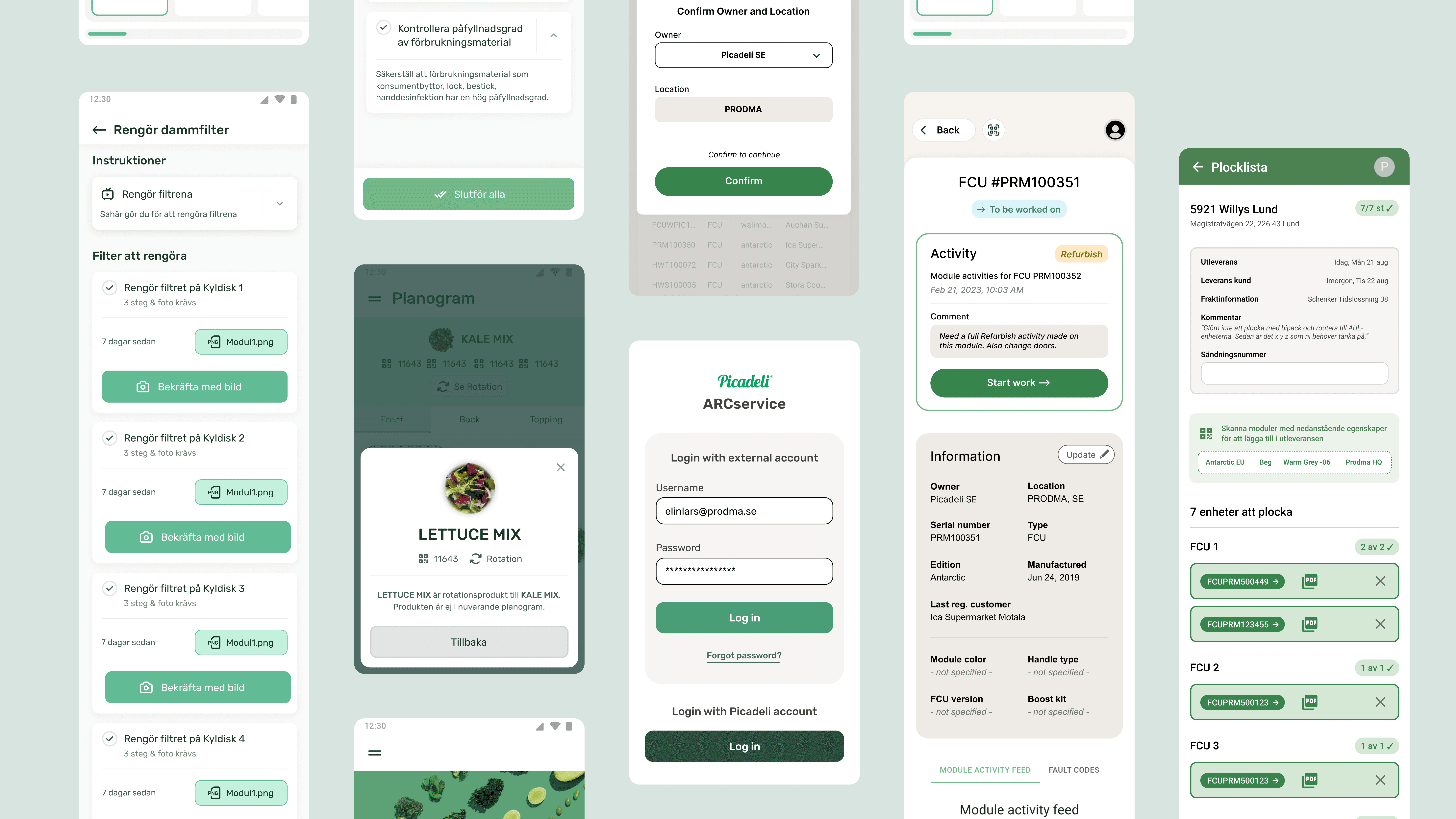
At Picadeli, I’ve led improvements of the order flow for the salad bar experience, focusing on the handheld device (Zebra) used to scan products and manage orders.
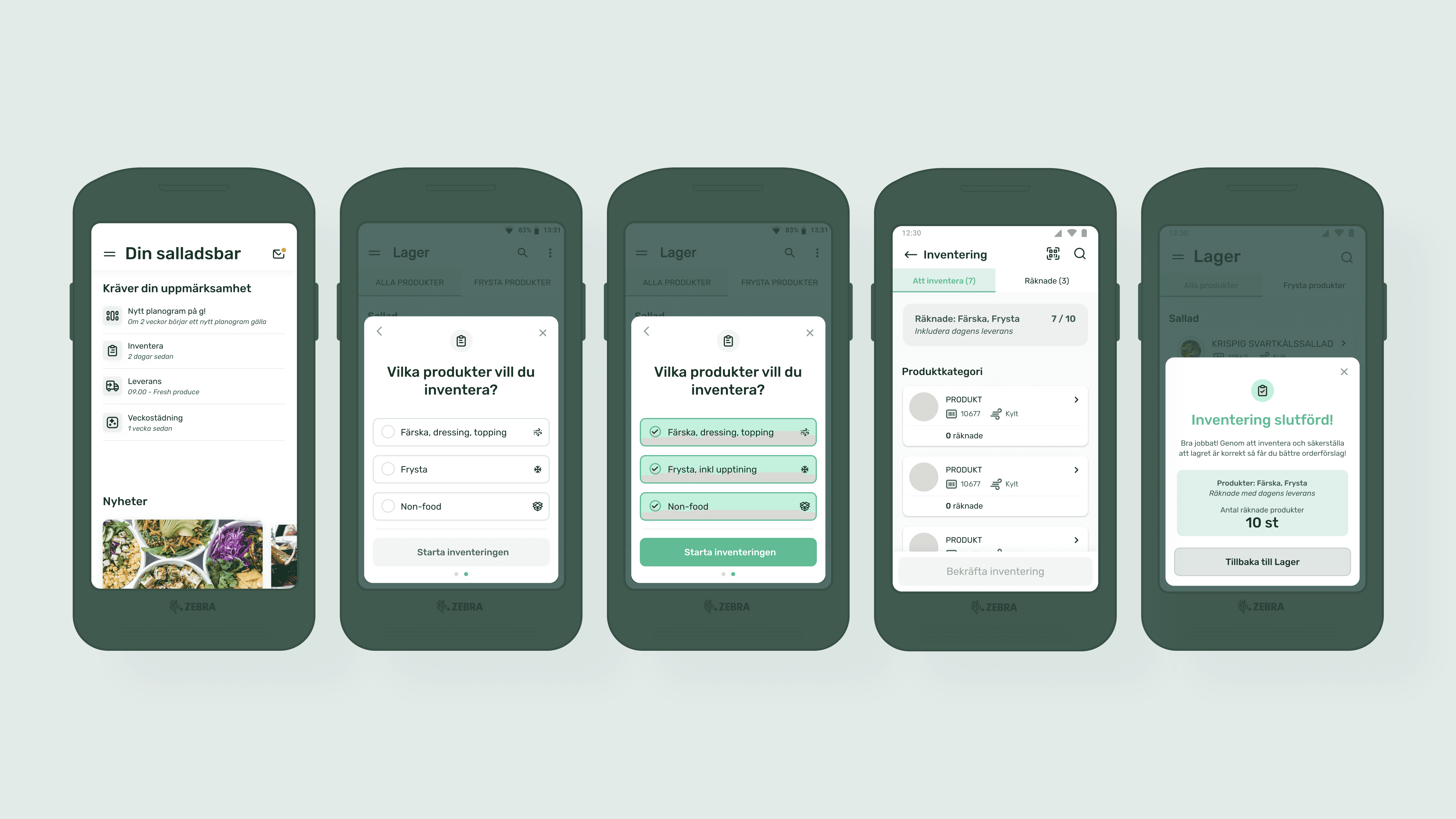
Through user insights and real usage data, I identified key friction points and drove design decisions that made the service more intuitive and efficient. A big part of the work was ongoing refinement - simplifying the experience and making it work better in real-life use.
Client | Picadeli |
Industry | FoodTech |
Timeline | 2020 - 2024 |
My Role | Lead UX & Product Designer |
Case | Overview Case. This is a shorter project overview of my work improving Picadeli’s handheld order flow over several years. |
Foodtech Pioneers
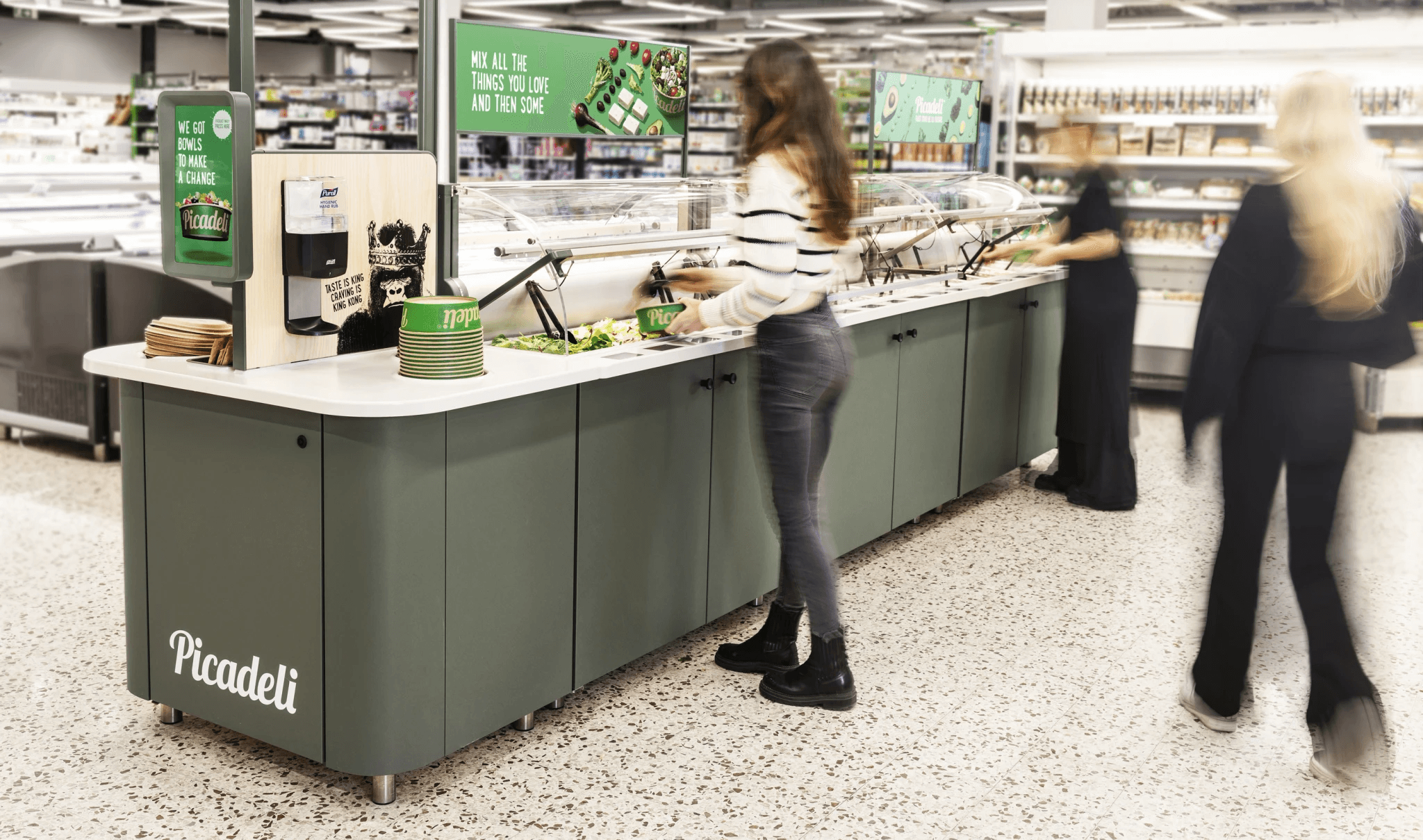
Picadeli’s salad bars exist in a physical store environment, but rely on digital tools to support food safety, stock control, fresh produce handling, and order management.
A key part of this ecosystem is the Zebra handheld device used by store staff to scan products, manage inventory, track freshness, and place orders. The experience needed to be clear, efficient, and reliable in everyday store operations, where users often work quickly and repeatedly across many practical tasks.
My role
I worked as Lead UX & Product Designer, improving the Zebra handheld experience and related service flows over several years.
My work included mapping user journeys and behaviours, designing new functionality, refining existing flows, and translating insights from real usage into wireframes and prototypes.
While the Zebra device was the main interface, many design decisions depended on the connected ecosystem around the salad bar - including stock handling, freshness routines, product scanning, and order management.
What I improved
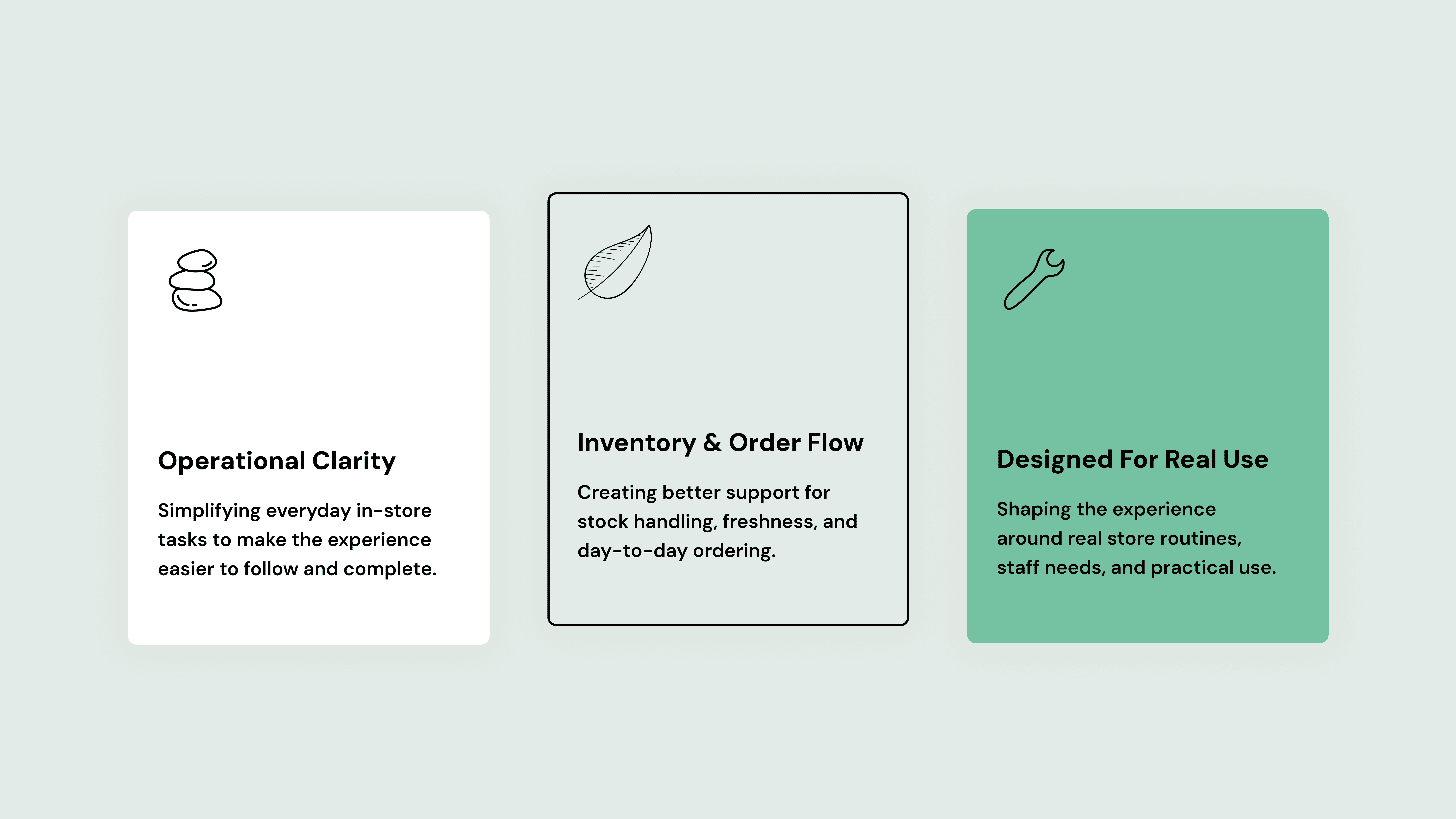
I improved existing flows and designed new functionality for a connected in-store service, where the Zebra device worked together with the salad bar, stock handling, freshness routines, and order management.
The work focused on making everyday operational tasks clearer and more efficient, with better support for scanning, inventory, ordering, system feedback, and repeated use in real store environments.
Selected design work
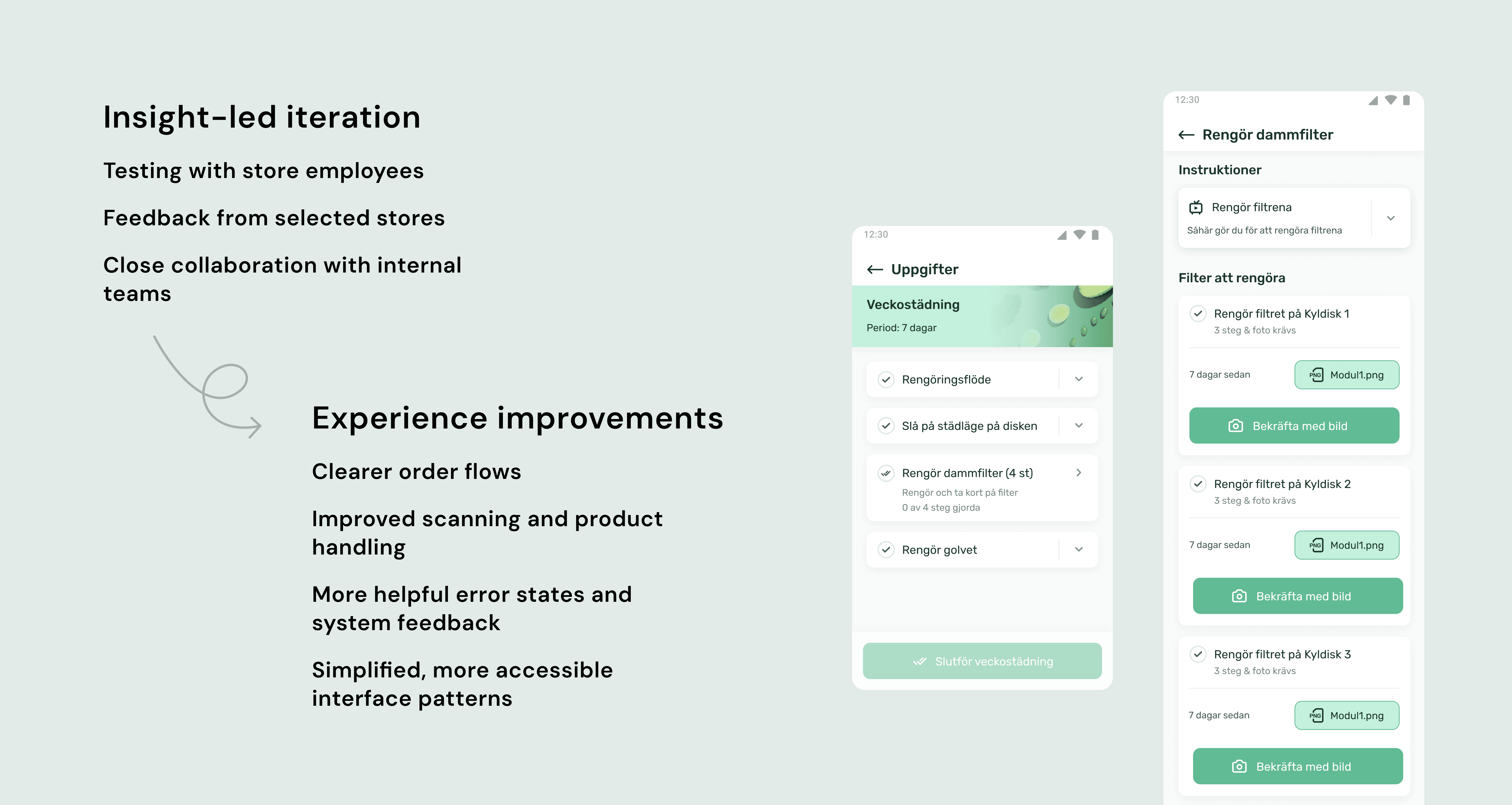
Inventory flow
A selected part of the Zebra experience showing how store staff can choose product categories, track inventory progress, and complete the task with clear feedback. The work focused on simplifying a repeated in-store routine and making the flow easier to understand in everyday use.
Broader work with Picadeli
This overview focuses on the Zebra handheld experience, but it was part of a broader, long-term collaboration across Picadeli’s operational tools and service ecosystem.
I supported Picadeli with UX and product design in a complex operational environment spanning stores, warehouses, suppliers, and internal workflows. The work often involved bringing more structure, usability, and product thinking into tools that were closely tied to day-to-day operations.
Over time, the collaboration helped Picadeli become more confident in how design could support their internal tools and operational product ecosystem.
“Having worked at ICA, I’ve used Picadeli’s services extensively — and they’ve always felt very user-friendly.”
Former ICA employee & Picadeli service user
Reflection
Operational tools do not need to feel heavy or purely functional - period. When a product is used in-store, often quickly and repeatedly, clarity and predictability become essential parts of the experience. For Picadeli, the work was about supporting the people keeping the service running every day, while making it easier for customers to access fresh food in convenient places.
That combination made the project especially meaningful to me: improving an operational system behind a service that, in its own way, contributes to better public health — one salad at a time.
